Getting Started
Only Owners of the Offering have the ability to setup API keys. Please reach out to one of your offering owners to create an key.
You will need to setup an Marketing key to make requests against the API.
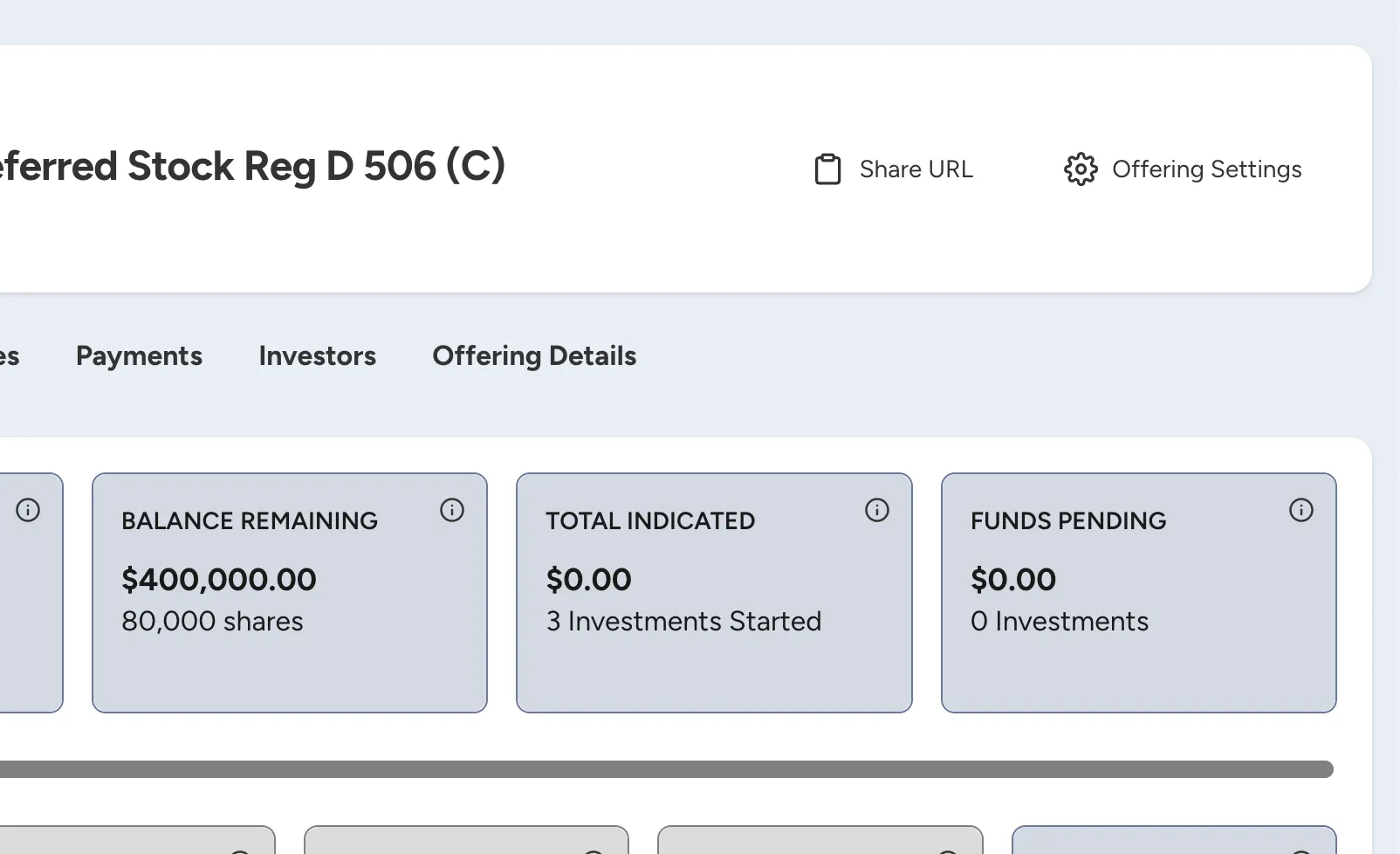
In the Offering Settings area there is an "API Access" tab that will allow you to setup and rotate API keys for your offering.
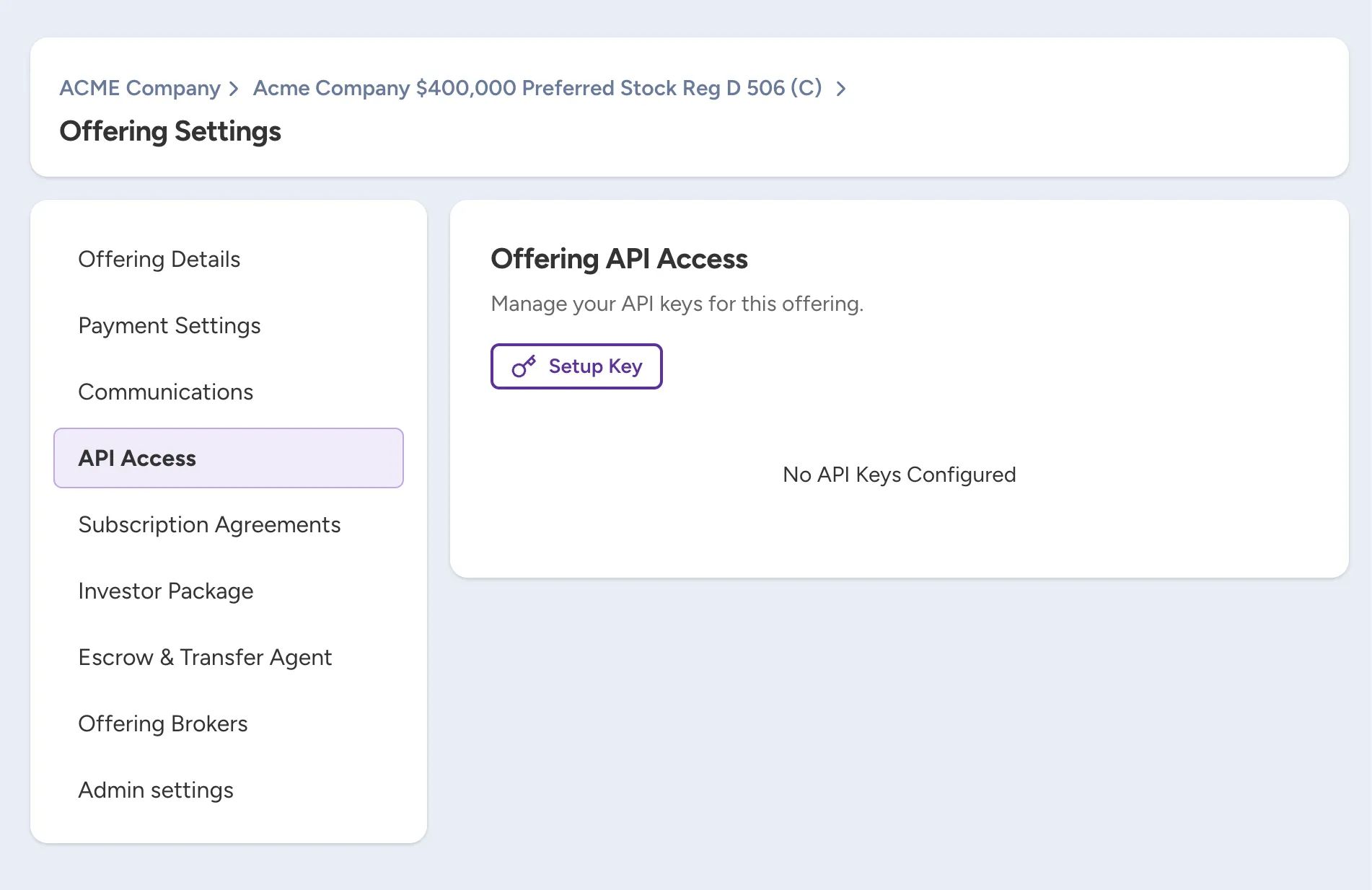
Since you must be setup as an Owner for the offering to setup API keys, you will not see this tab if you are not an owner.
If you are an Owner and you don't see the API Access tab, you will need to reach out to EquiDeFi to make sure that your offering has been configured to handle API access.
Setup Your First Key
When you click "Setup Key", it will open a modal and display your API access key. This is the key that you will use to authenticate with the APIauthenticate requests to the API.
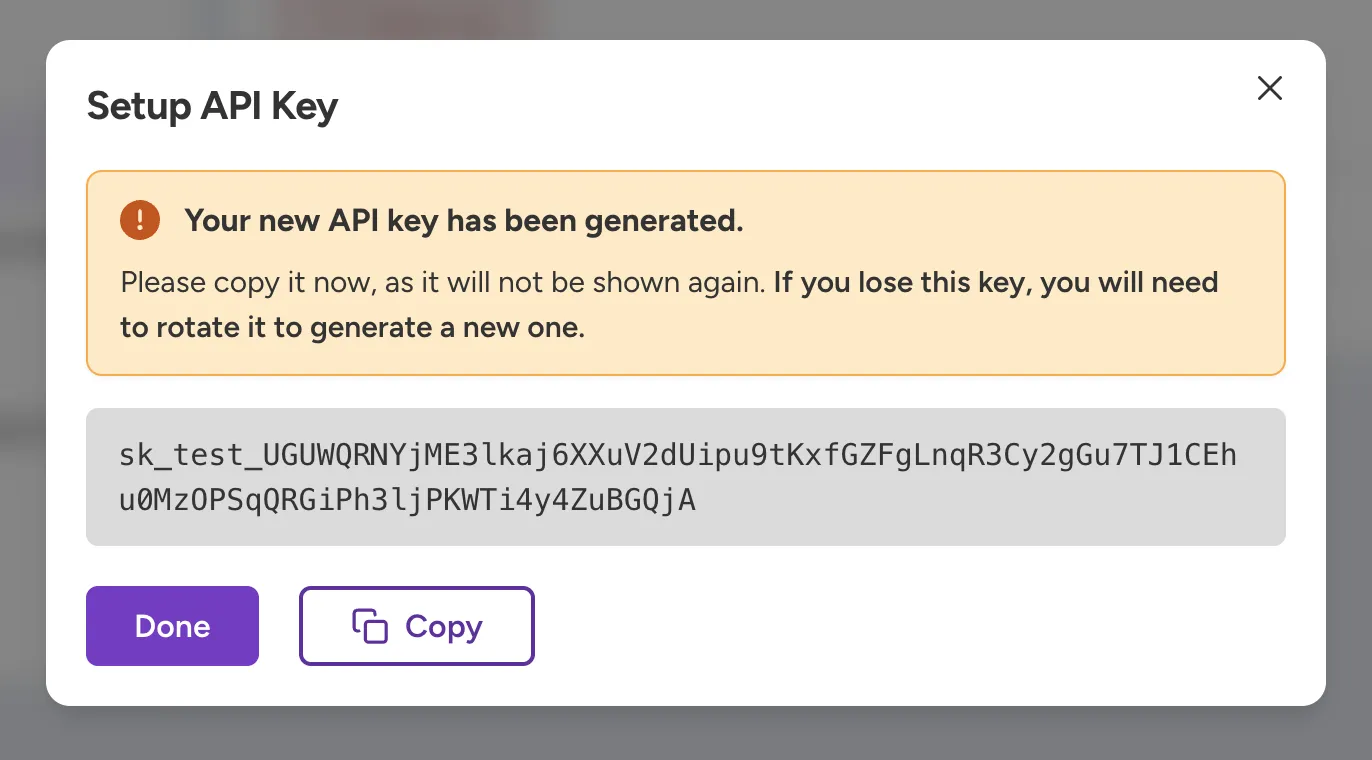
Copy this key and store it before you close the modal! This key is only shown once when the key is created.
Now that you have the key, you can make an example request. Note that for our Demo environment, you will have to use demo.equidefi.io as the host instead of equidefi.io.
curl --location 'https://equidefi.io/api/v1/offering/:id' \
  --header 'Authorization: Bearer sk_live_1098DSF98********************'
Rotate Your API Key
If you lose access to your original API key or need to change your key for any reason, you can setup a new one by rotating it.
Only rotate your API key if you have lost access to the original API key. Once you have confirmed that you want to rotate the key, the original key will not authenticate with API calls.
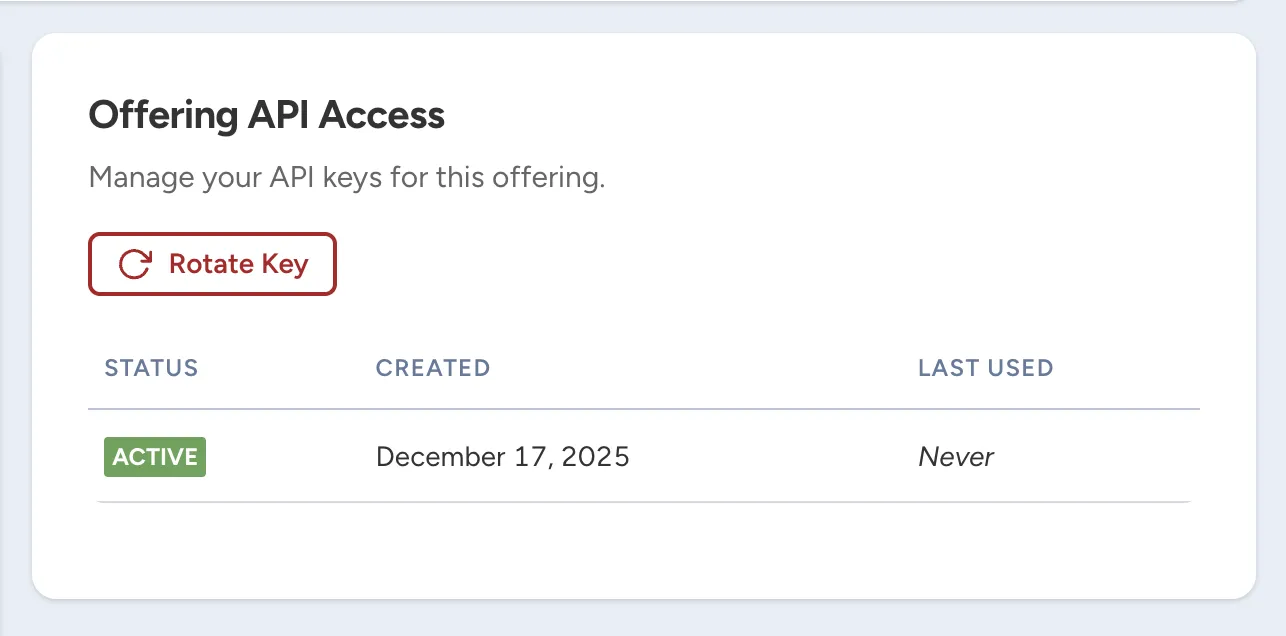
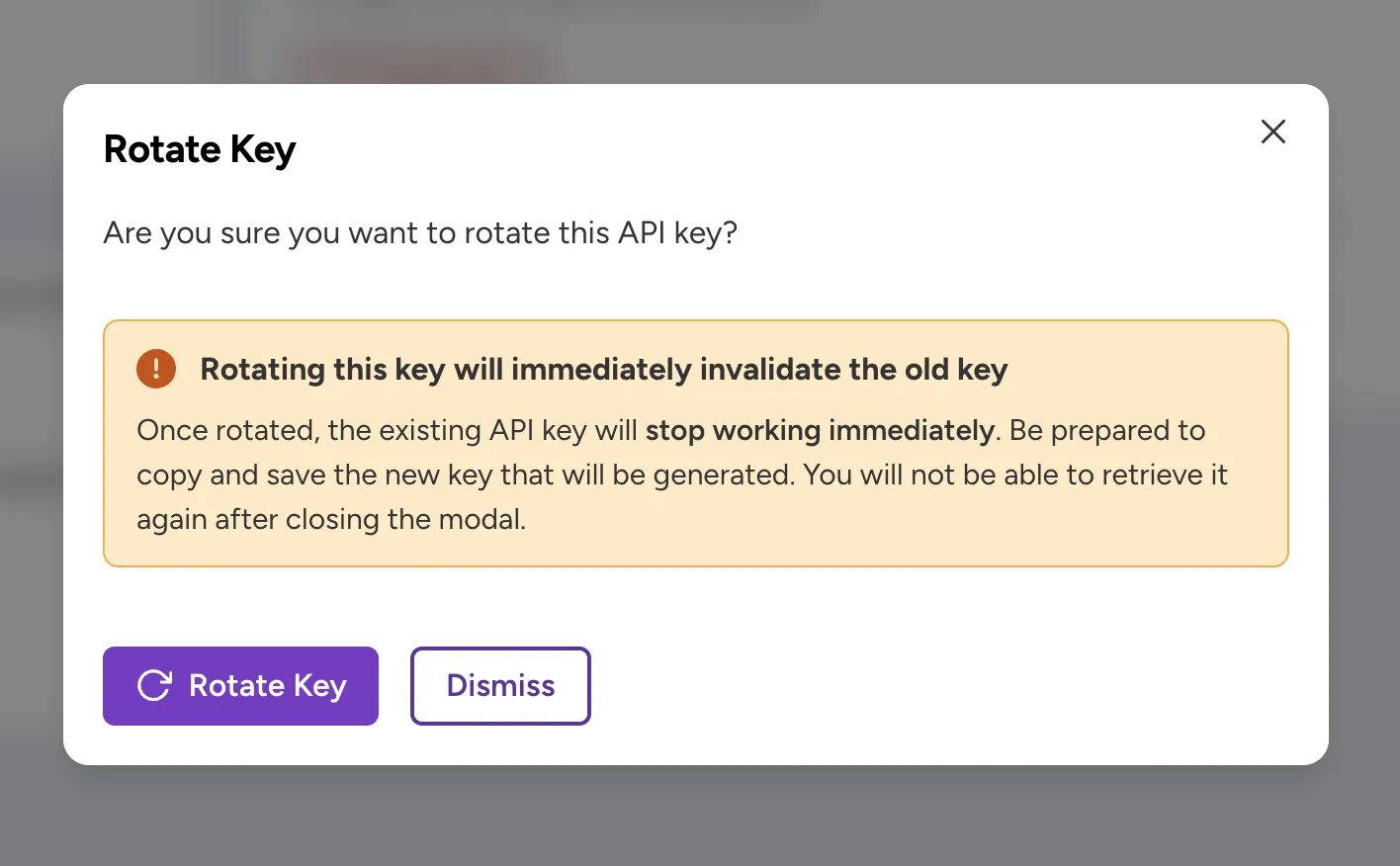
Once you click "Rotate Key" in this modal, you will be shown a new key and your old key will no longer authenticate with the API.
Partner API Key
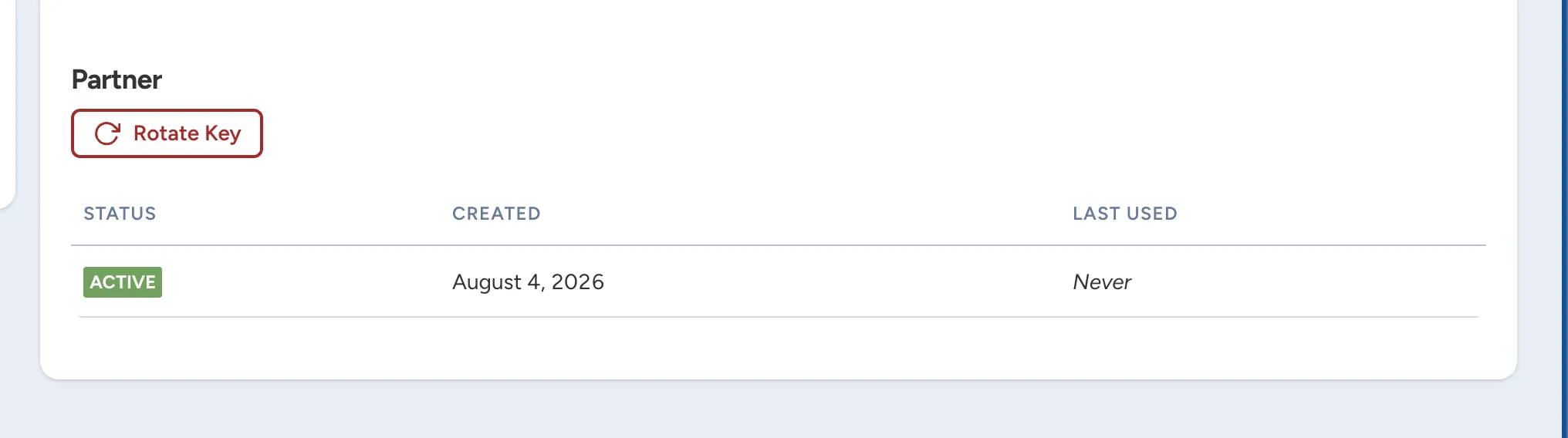
If you have the Partner API feature enabled on your offering, you will be able to query for more sensitive PII. By default, this is not available. If you need access the PII data, please contact EquiDeFi to enable this feature.
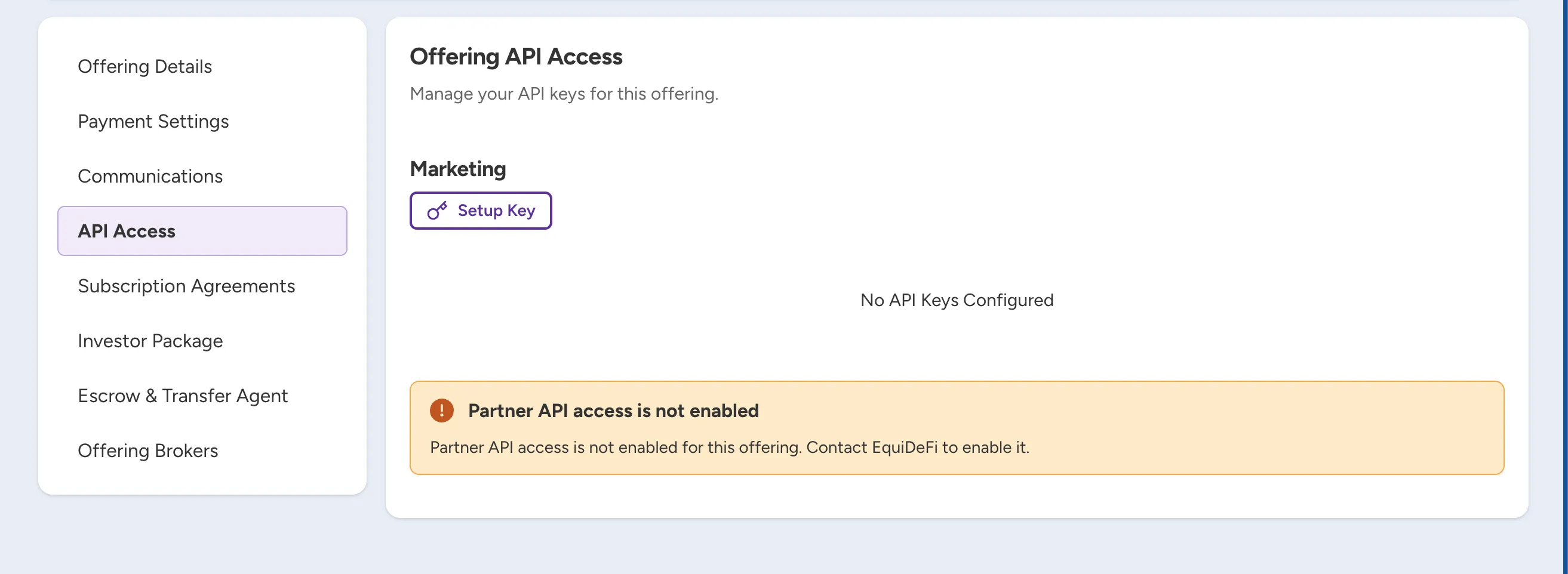
However, if your integration with the EquiDeFi platform has Partner API enabled, you will be able to setup separate Partner and Marketing keys. The Partner key setup and rotation process is identical to Marketing key.